When you use your PC, countless junk files and personal traces accumulate without you even knowing! These files don’t just take up valuable storage space—they can also be used to track your browsing habits and personal data.
Wipe is a specialized privacy protection utility built on the clear philosophy of “keeping your computer clean and private.” It meticulously removes unnecessary data to protect your information.
By clearing out these redundant files, you not only reclaim significant space on your Windows C drive but also wipe out sensitive privacy caches.
Total Privacy: Deeply deletes not just browser history, but also tracking-related junk files.
Lightweight & Focused: A clean program that focuses purely on its core mission: “Cleaning and Security.”

How to Use Wipe: 2-Step Optimization
Once launched, the program automatically begins scanning your PC for caches, cookies, internet history, and junk files. No complex configuration is needed—Wipe does all the heavy lifting for you.

After the scan is complete, you will see the total amount of space that can be reclaimed along with the file list. Simply click the [Delete] button. This process instantly frees up GBs of space and securely wipes your personal information.
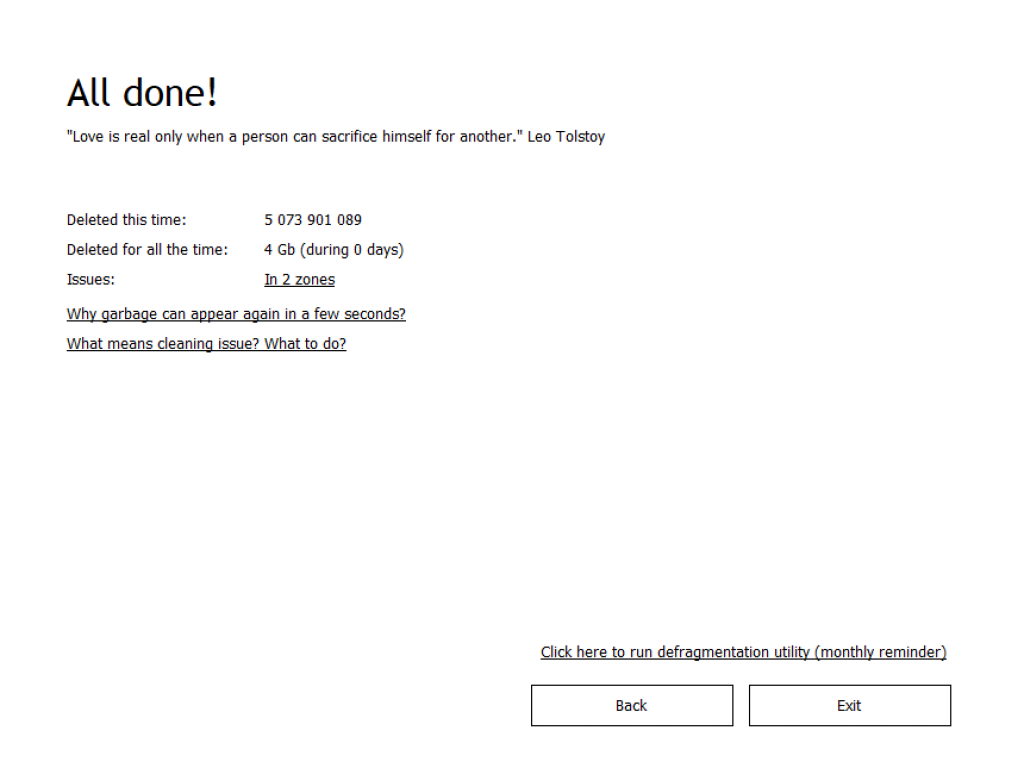
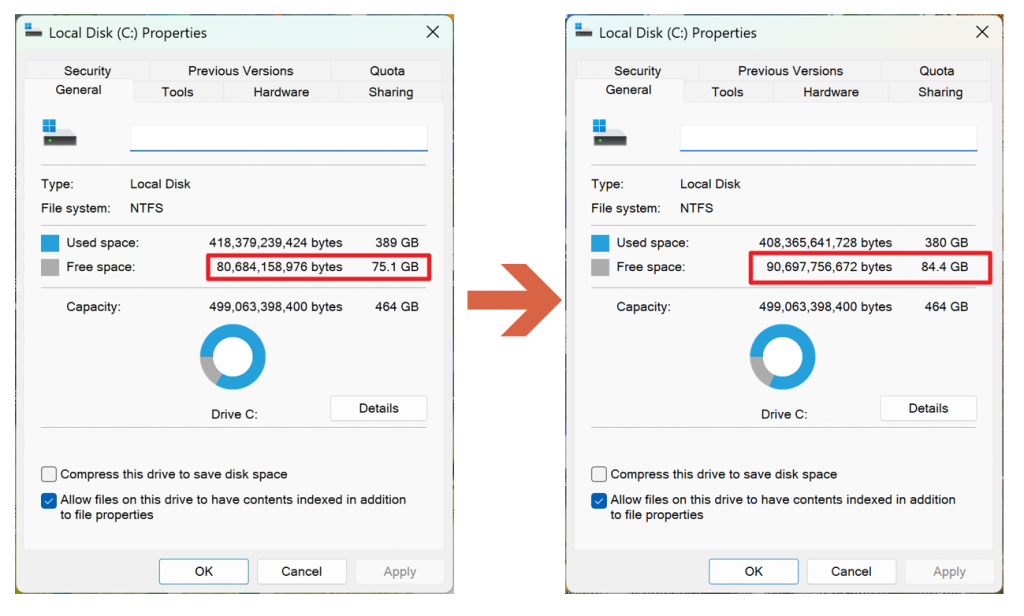
Note: This is a highly recommended security tool, especially for users with small SSDs.