computer-tips

computer tips

How to Enable Dark Mode in Notepad on Windows 11

How to Enable Dark Mode in Notepad on Windows 11

In Windows 11, you can enable dark mode not only for the entire system but also for individual apps — including the built-in Notepad app. This guide will show you how to turn on dark mode in Notepad, step by step. Enable Notepad Dark Mode 1️⃣ Open the Notepad Settings 2️⃣ Go to “App Theme” […]

How to Automatically Reopen Apps After Restart in Windows 11

How to Automatically Reopen Apps After Restart in Windows 11

In Windows 10, when you restarted your computer, your browser or File Explorer windows often reopened automatically. But after upgrading to Windows 11, many users noticed this feature seemed to be missing — everything just closes on shutdown. Actually, the same feature exists in Windows 11 — it’s just disabled by default. You’ll need to

AutoHotkey Tutorial for Beginners – Install, Create Scripts & Remap Keys

AutoHotkey Tutorial for Beginners – Install, Create Scripts & Remap Keys

When working on a computer, there are times when you keep pressing the same key repeatedly or rely heavily on certain shortcuts. This is where AutoHotkey comes in. With just a few lines of code, you can fully customize your keyboard and mouse behavior. From simple automated inputs to complex macros — all for free!

Recycle Bin Not Showing in File Explorer Windows 10? Here’s How to Fix It

Recycle Bin Not Showing in File Explorer Windows 10? Here’s How to Fix It

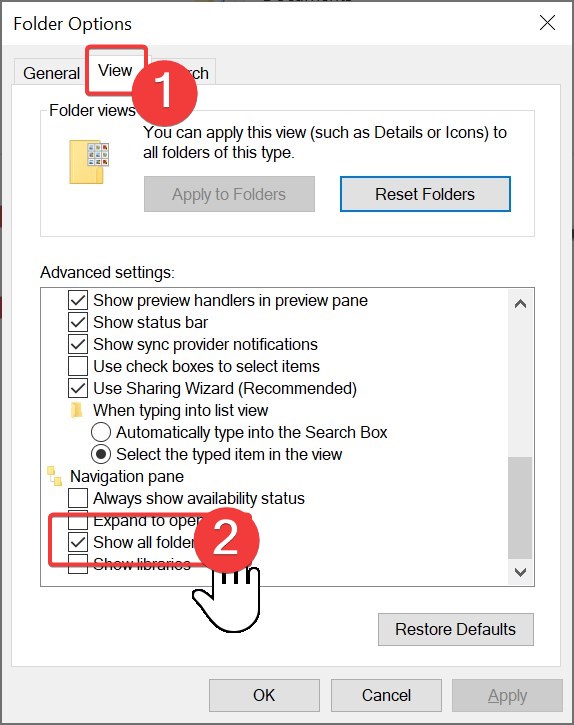
After reinstalling Windows, I noticed that the Recycle Bin was not showing in File Explorer on Windows 10. It’s usually convenient to have it in the left sidebar so you can access or restore files without going back to the desktop. But after the reinstall, it simply wasn’t visible anymore, which was quite inconvenient. In

Windows 10 Folder Icons Background Black? Here’s How to Fix It

Windows 10 Folder Icons Background Black? Here’s How to Fix It

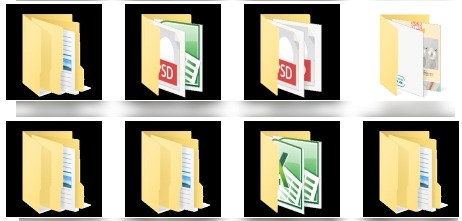
Sometimes while using Windows 10, you may notice an unusual issue: folder icons on the desktop suddenly show a black background. At first, it can be alarming, but don’t worry—this is not caused by a virus or malware. The problem usually comes from icon cache corruption or an outdated graphics driver. In this guide, we’ll

Can’t Open Clock or Calendar in Windows 11? Here’s the Fix

Can’t Open Clock or Calendar in Windows 11? Here’s the Fix

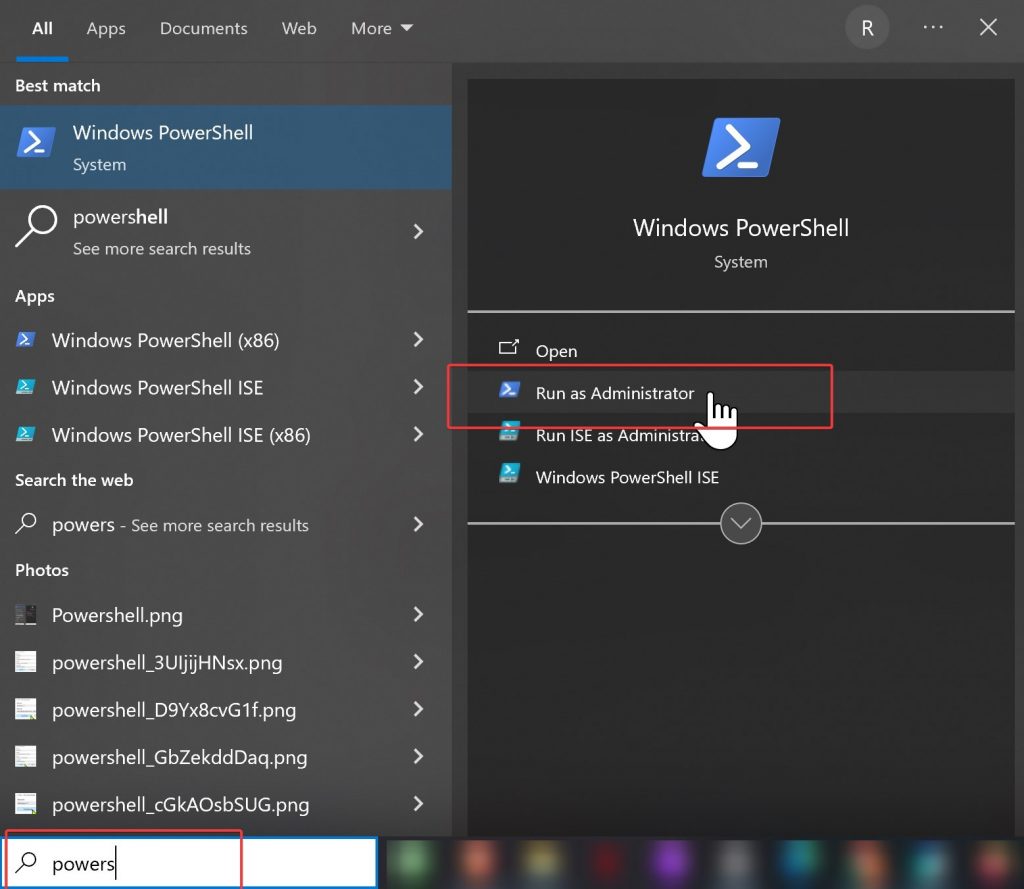
One day, something strange happened on my PC.At the bottom-right corner of the screen—where the clock, calendar, speaker, and Wi-Fi icons are located—nothing responded when I clicked. In fact, I realized I can’t open clock or calendar in Windows 11 from the taskbar. The calendar didn’t open when clicking the time Volume control didn’t appear

Bad Image – Error Status 0xc0e90002? Disable Smart App Control to Fix It

Bad Image – Error Status 0xc0e90002? Disable Smart App Control to Fix It

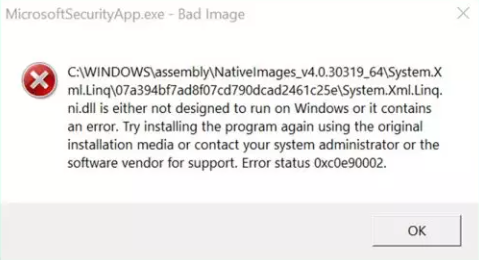
Less than a month after installing Windows 11, most of the executable files started showing a ‘Bad Image’ error. Even after uninstalling and reinstalling the affected program via Control Panel, the Bad Image error persisted. Additionally, when launching specific applications, Smart App Control blocked them from running altogether. Even running the programs with administrator privileges

Scroll to Top